How to log into cpanel

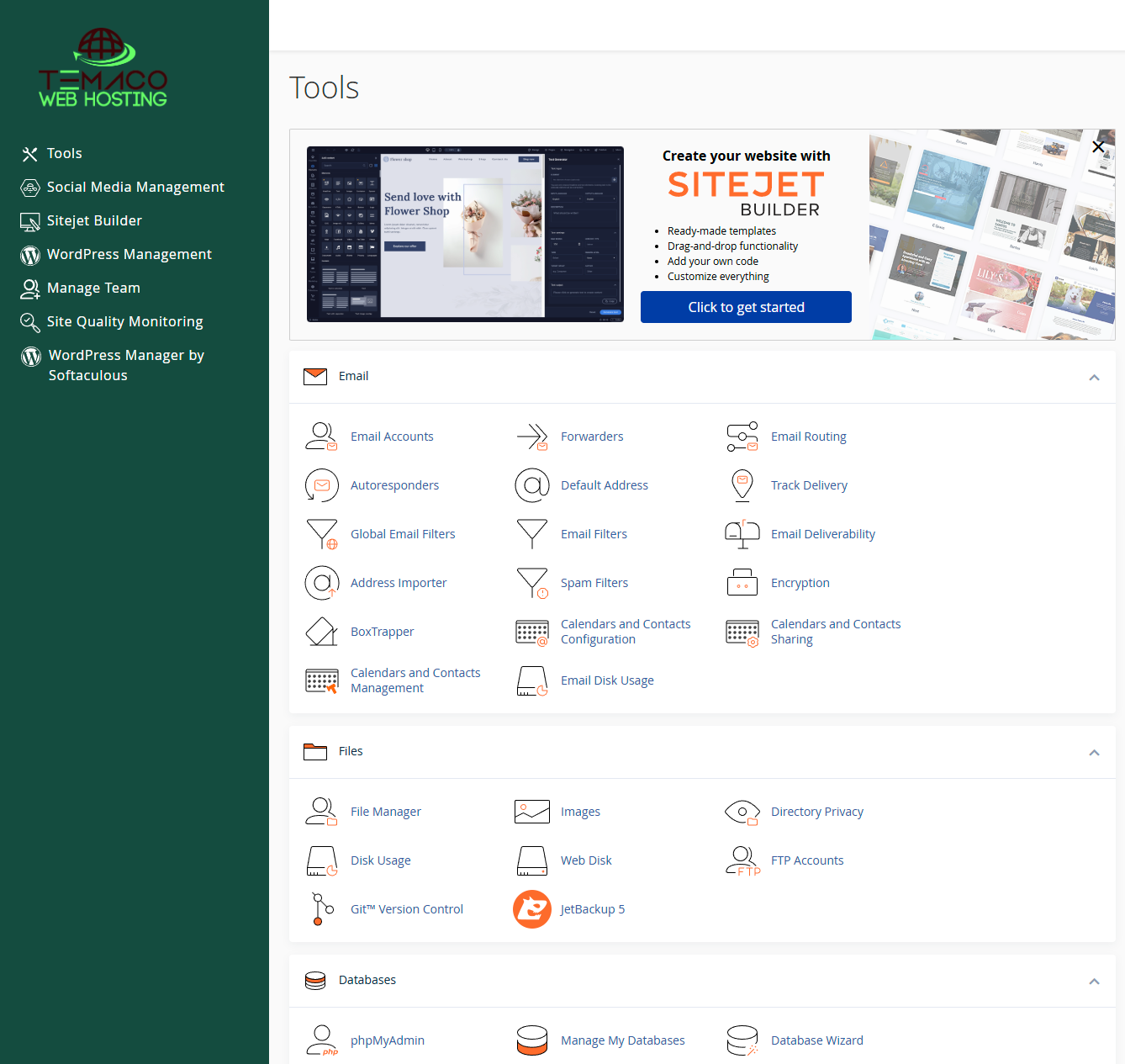
cPanel is the default control panel for all our Web Hosting and Reseller Hosting packages. It provides complete control over your website giving you the ability to install WordPress, upload files, manage/restore backups, setup email accounts, add domains/subdomains, and much more...

You can easily login to cPanel following these steps:

1) Login to our Members Access.

2) In your Welcome dashboard, under the Active Products/ Service, find the domain name you want to access and click on "Log in to cPanel" on the right side of your domain name.

3) will launch in a new tab
  • cpanel
  • 0 Users Found This Useful
Was this answer helpful?

Related Articles

How to setup Cloudflare Partial vs Full integration

One of our most popular features we offer with all of our accounts here at Temaco Webhosting is...

How To Change Your PHP Version And Add Extensions Inside cPanel

You can select their PHP version inside of cPanel: 4.4, 5.1, 5.2, 5.3, 5.4, 5.5, 5.6, 7.0, 7.1,...

Can I install any of the programs found in my CPanel?

Yes, you can. Temaco WebHosting does not offer support for any programs found in the CPanel since...